|
FTP Client - WinSCP
2015/01/13 |
|
Transfer files to yuour FTP server from your PC with WinSCP.
|
|
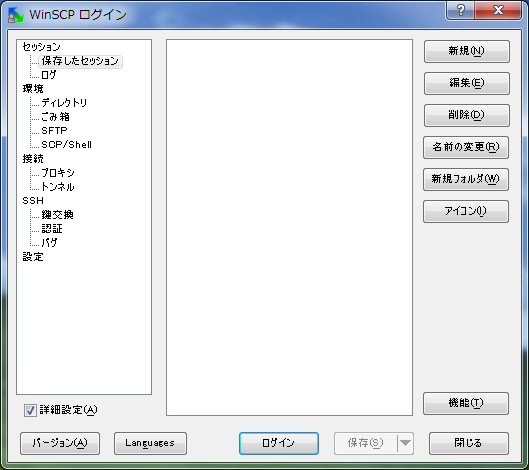
| [1] | Install WinSCP and start it, then click "New" button. |
|
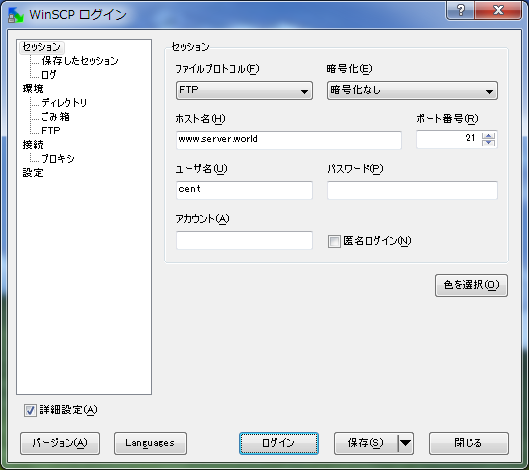
| [2] | Input hostname or IR address in "Hostname" section and Input username in "username" section and next, click "Directory" on the left menu. |
|
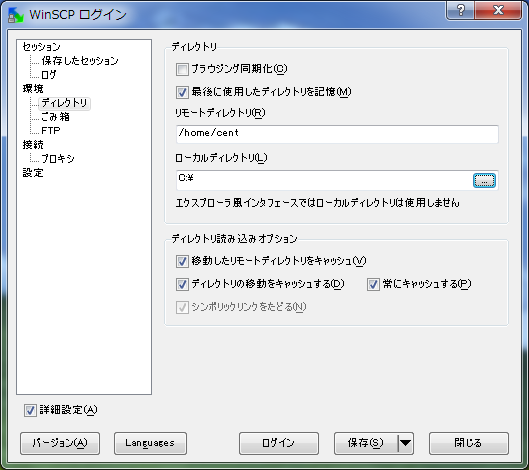
| [3] | Input default directory in "Remote directory" and "Local directory" section. Next, click "Login" button. |
|
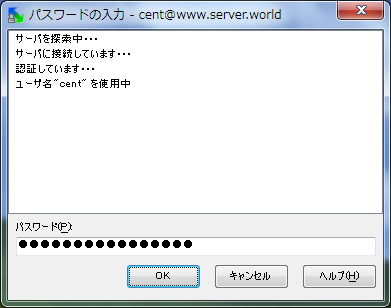
| [4] | Input the password for the connect user. |
|
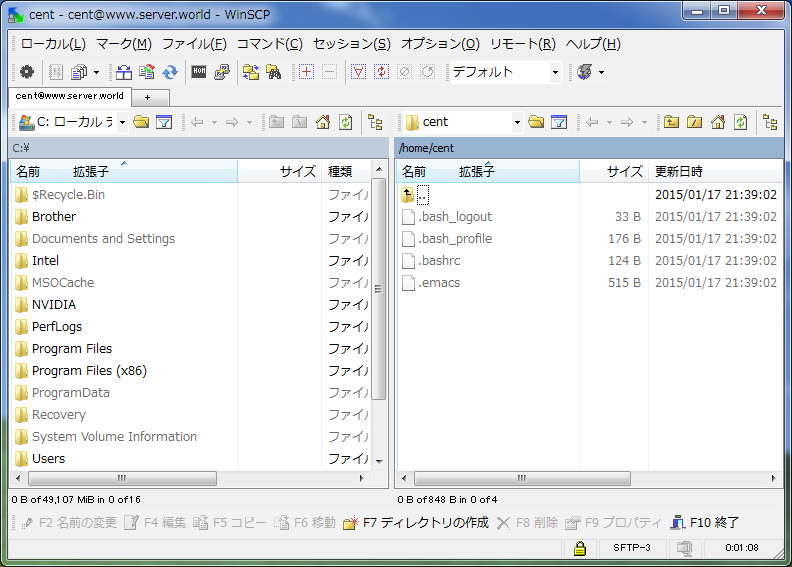
| [5] | Just logined. |
|